Security
It can start code on your machine. So we built it carefully.
Office Cockpit’s trust model, in plain words.
Your machine never opens a port
A node dials out to the cockpit over TLS. There is no inbound port, no SSH key on our side, no tunnel to your Mac. A machine that is asleep or offline is simply absent.
Enrolment you approve
occ register runs a device flow: you approve a code in your signed-in browser, and the node and plane exchange Ed25519 keys. From then on the node proves itself by signature.
Only signed, typed jobs
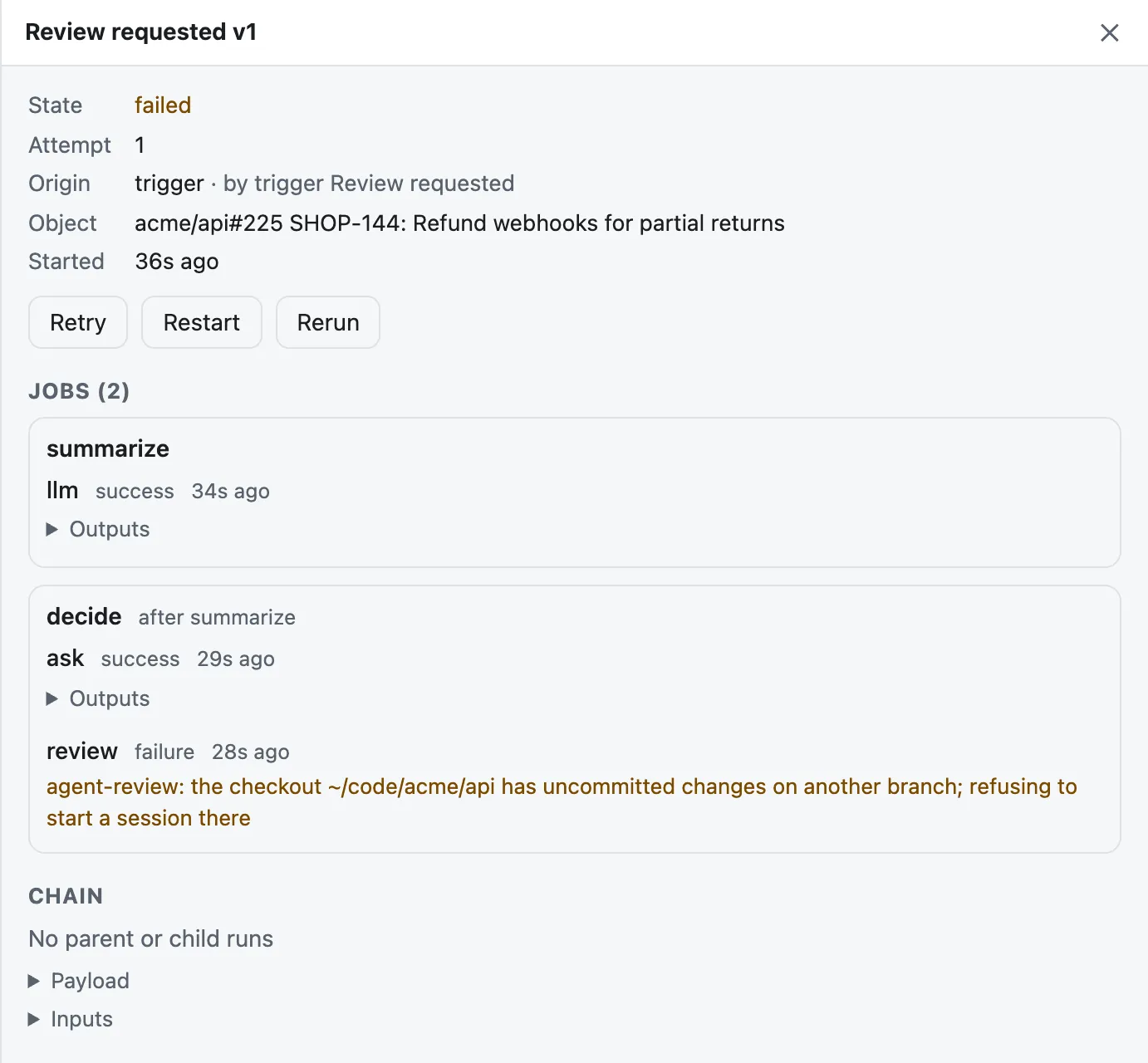
The plane signs every job. A node runs only the job kinds it knows — start a session, stop it, list sessions, a few repository reads — and never an arbitrary command from the network.
Approval levels and passkeys
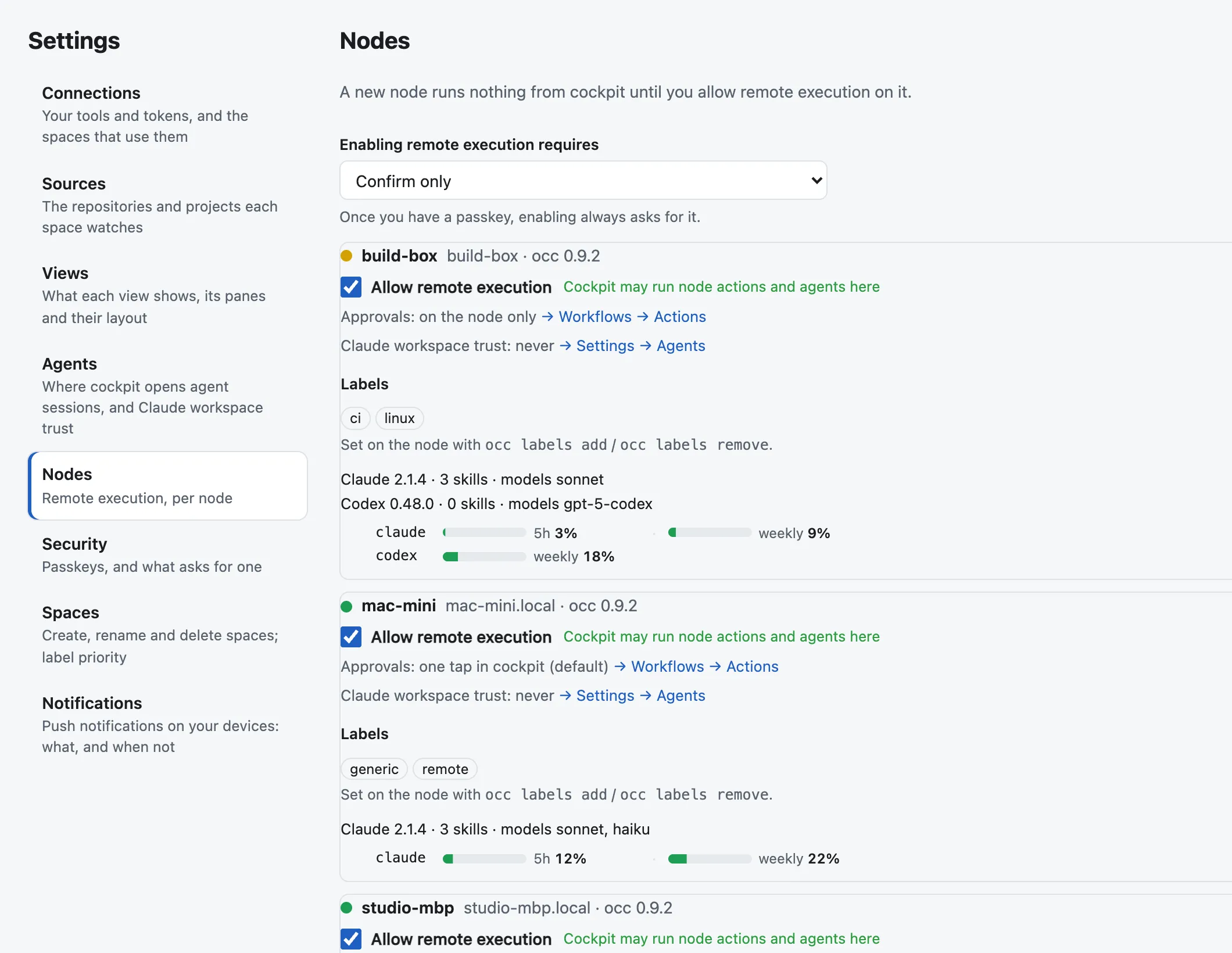
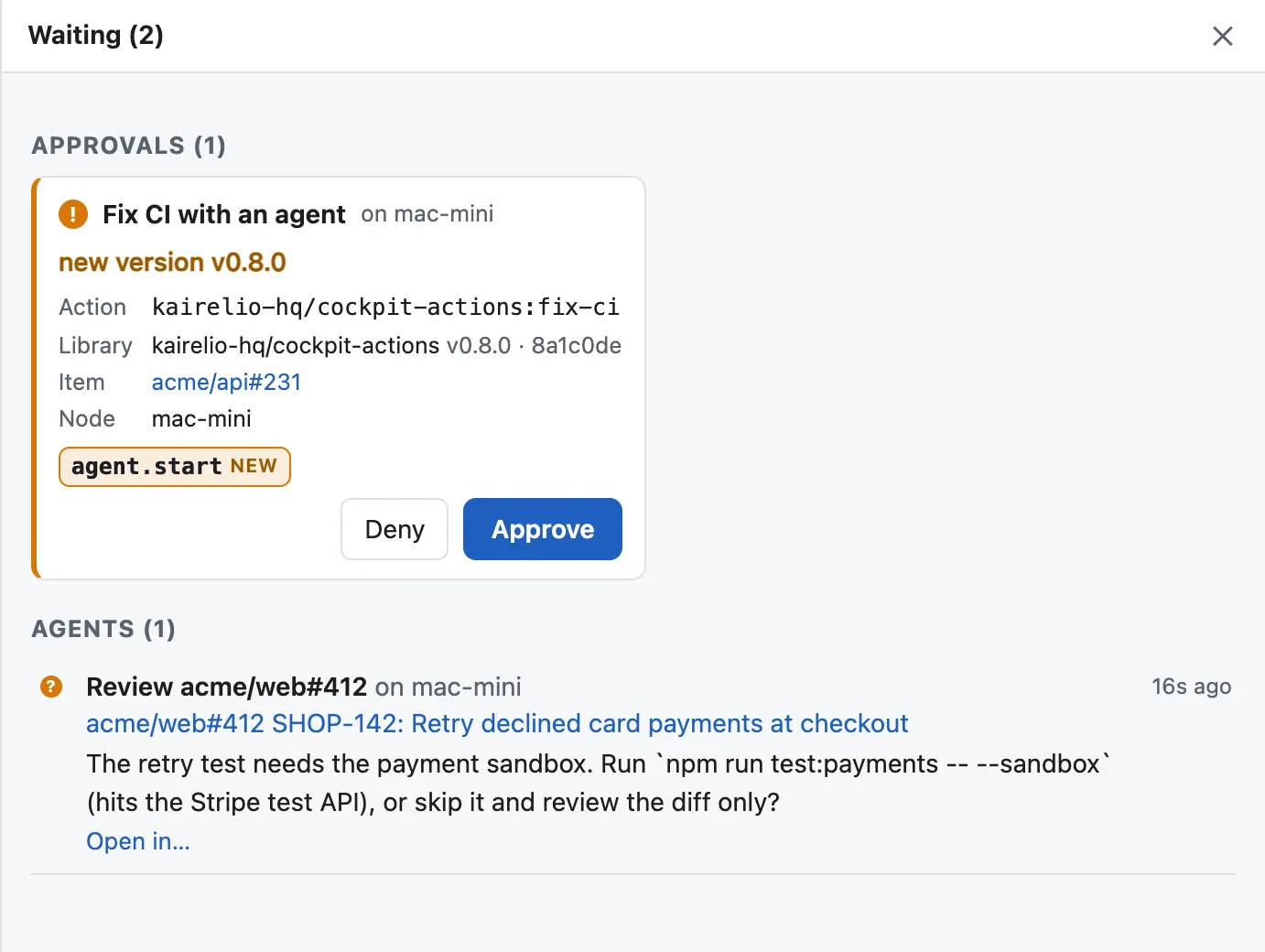
Decide per node what may run without you. Sensitive remote actions can require approval confirmed with a passkey, so a stolen session cookie alone cannot run code on your Mac.
Credentials stay where they’re used
A GitHub or Jira token you add is encrypted at rest and used only to call that service for you; it is never shown again. A node’s own gh login stays on the node.
Revoke in one command
occ nodes revoke cuts a machine off immediately. Delete a connection and its credential is gone with it.
What we store, and what we don’t
Your Google email, name and picture; the metadata of the pull requests and tickets you follow; and the nodes you register. Not your source code. We do not sell or share your data.
Infrastructure
Hosted in the United States, behind Cloudflare, over TLS everywhere, with encrypted backups kept for up to 30 days.
Found a vulnerability?
Please tell us privately by email before sharing it anywhere else.